Tokeo Browser Extension Is Now Live: Hardware-Level Security Meets Desktop Convenience
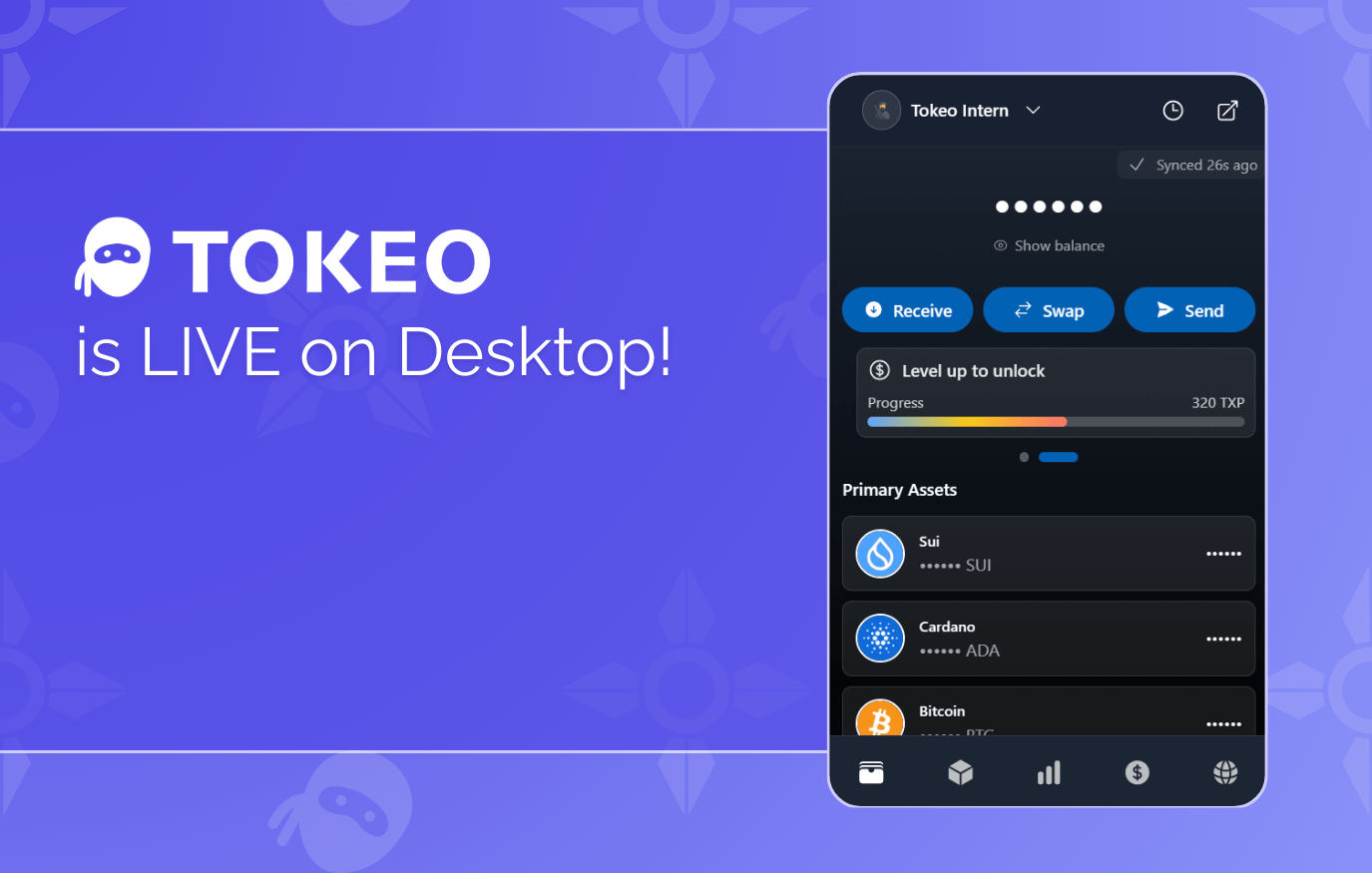
Tokeo is now available on desktop.
The same trusted wallet experience that users rely on every day can now be accessed directly through your browser – with the same security model, the same multichain flexibility, and the same clean interface.
This launch brings Tokeo to a new environment without changing the foundation that keeps users safe.
Simple, Fast Linking Between App and Browser
Getting started takes only a moment.
Open the Tokeo browser extension, scan the QR code from your Tokeo app, and your session is instantly connected.
No seed phrase transfers, no exporting private keys, no manual setup.
Your browser becomes a convenient access layer, while your phone continues to handle what it does best.
Your Keys Never Touch the Browser
A major point of differentiation: the browser never stores your keys.
Traditional browser wallets rely on local key storage, which exposes users to common threats like:
keyloggers
clipboard hijackers
malicious browser extensions
compromised Chrome or device profiles
malware injecting signatures
Tokeo avoids all of these attack vectors by keeping private keys securely on your phone.
Every transaction is authorized and signed there, not in the browser.
This eliminates one of the biggest weaknesses of browser-based wallets.
Transaction Approvals Happen on Your Phone
While you interact with the extension on desktop, all approvals still go through your Tokeo app.
This means:
every signature requires physical confirmation
websites cannot auto-sign or inject transactions
users get the protection of device-level security even while using a desktop browser
It brings the assurance of hardware-level signing to a browser experience — without requiring a separate hardware wallet.
Three Layouts Designed for Different Workflows
The extension provides multiple interface modes so users can choose what fits their workflow:
Dropdown
Quick access for simple checks and confirmations.
Tab View
A full-page interface ideal for swaps, analytics, and detailed actions.
Sidebar Mode
A persistent panel you can keep open while navigating dApps or dashboards.
Whether you’re browsing, trading, or diving into analytics, the extension adapts to how you work.
Fully Multichain: Bitcoin, Cardano, and Sui
The Tokeo browser extension launches with full support for:
Bitcoin
Cardano
Sui
Users can manage assets, interact with dApps, and explore the broader ecosystem from the same unified interface – with more network expansions already planned.
Security Without Compromise. Flexibility Without Tradeoffs.
The extension brings together two user expectations that rarely coexist:
the security of isolated key storage and the convenience of desktop browsing.
Tokeo keeps signing isolated on your phone, where it is safest, while allowing you to interact freely through your desktop — giving you both protection and freedom without forcing a choice.
Try the Tokeo Browser Extension
The desktop experience is officially live.
Link in seconds, explore multichain features, and use Tokeo wherever you prefer to work.
Setup instructions and downloads are available below.